How to vote on our drinks
Every drink on the board can be scored out of five stars by the people drinking it. The scores build up into a picture of which beers, ciders and whiskies our regulars rate most. This page walks you through it from the start.
Two things to know first
- You need to be a member to vote. Anyone can see the scores; only people signed in to the site can add one. It is free.
- You can only rate a drink while it is on. Once a cask runs out, its score stays but the stars stop taking votes.
Step 1: find a drink that is on
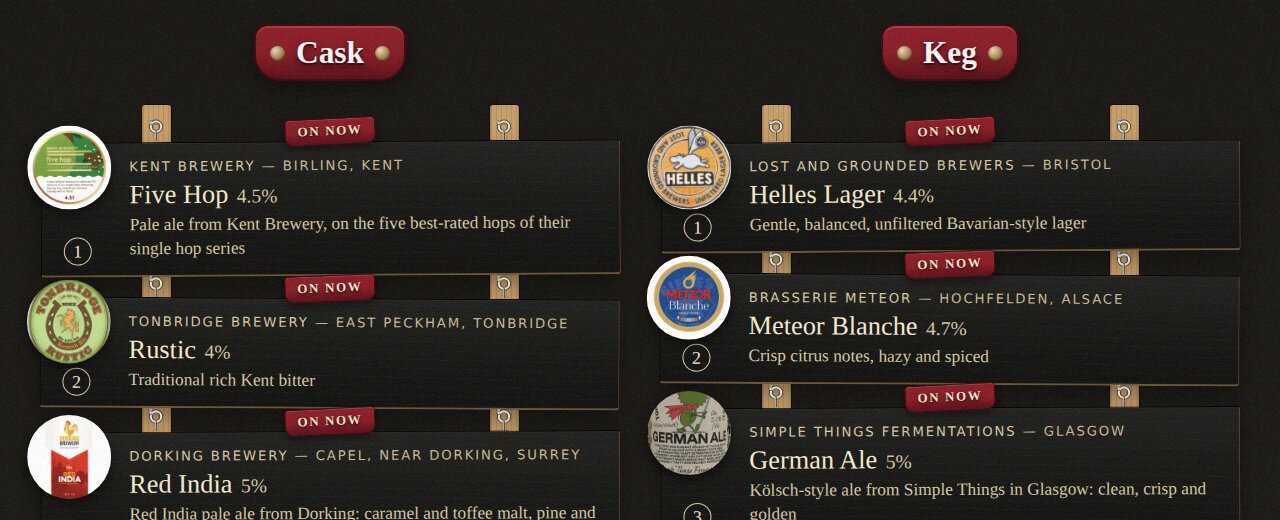
The boards on the home page and under Drinks show what is pouring now. Anything with the On now sign can be rated. Click the drink's name to open its page.
Step 2: if you are not signed in
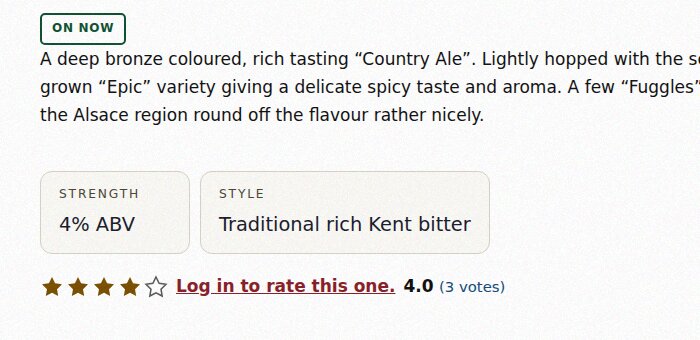
On the drink's page you will see its score and the line Log in to rate this one. Click it to sign in.
Step 3: join, the first time only
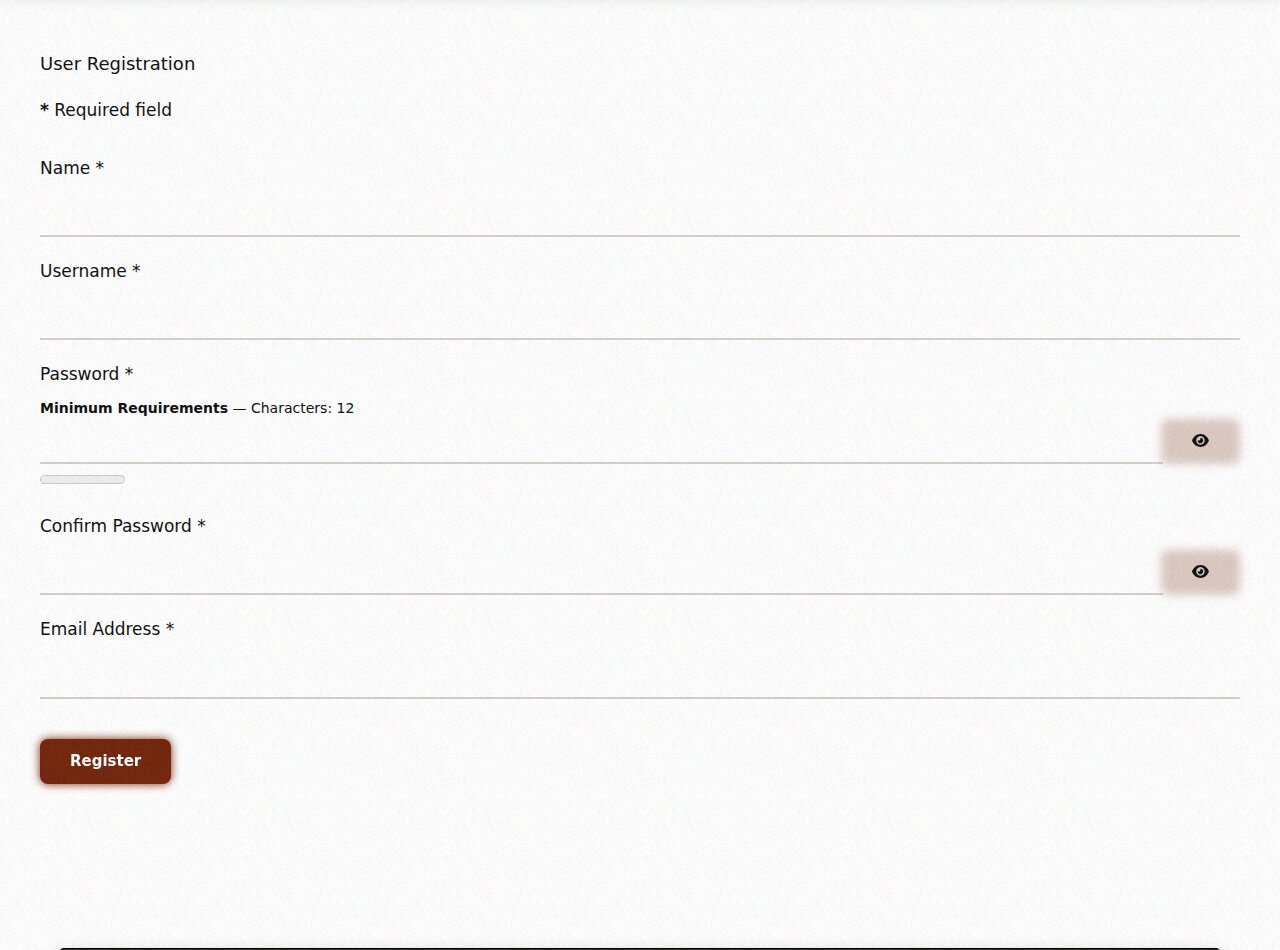
On the sign-in page, click Don't have an account? Fill in your name, a username, a password of at least 12 characters and your email address, then press Register. We send you an email with a link in it: click the link to switch your account on.
Step 4: sign in
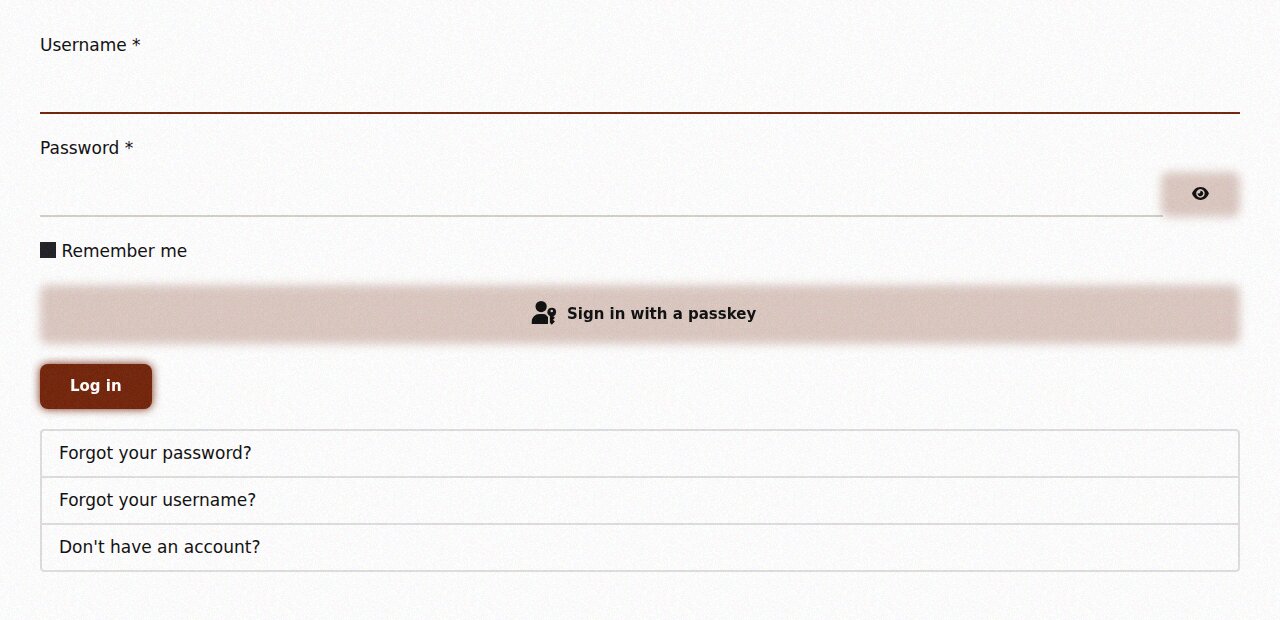
Enter your username and password and press Log in. Tick Remember me on your own phone so you do not have to sign in every time.
Step 5: give it some stars
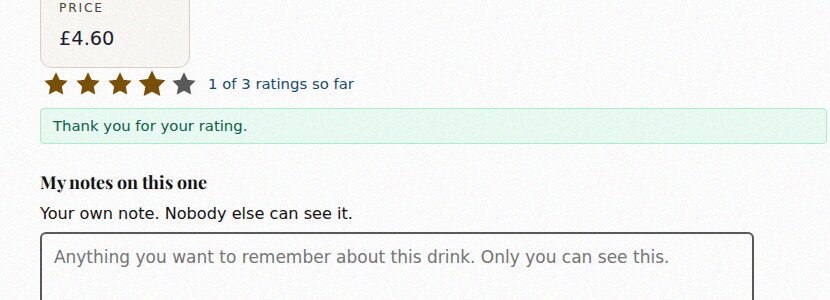
Back on the drink's page, the stars can now be clicked. Tap one star for poor up to five for excellent. There is no separate button: your vote counts as soon as you tap.
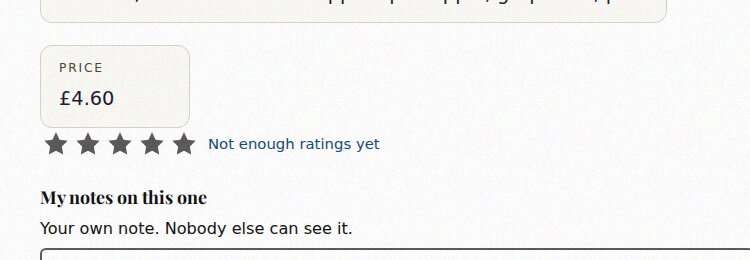
You will see Thank you for your rating.
Step 6: keep your own notes
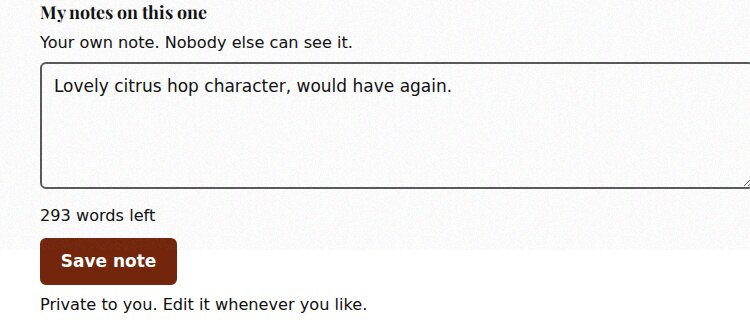
Under the stars is My notes on this one. Write anything you want to remember about the drink and press Save note. Only you can see your notes, you can change them whenever you like, and you can keep notes on drinks that are no longer on as well.
When a drink is not on
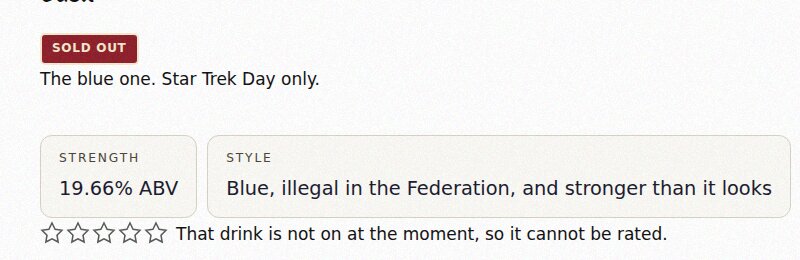
If the stars do not respond, the drink is not pouring at the moment and the page says That drink is not on at the moment, so it cannot be rated. Its score is still there to read.
Any trouble signing up or voting, ask any of us next time you are in.